
03 · Components · 콘텐츠
갤러리Gallery
행사·작품·사진을 격자로 모아 보여줍니다. 항목마다 alt 텍스트를 반드시 작성하고, 동일 비율로 리듬을 맞추세요.
StableWCAG AA
3열 기본
tsx
<Gallery items={items} columns={3} />미리보기


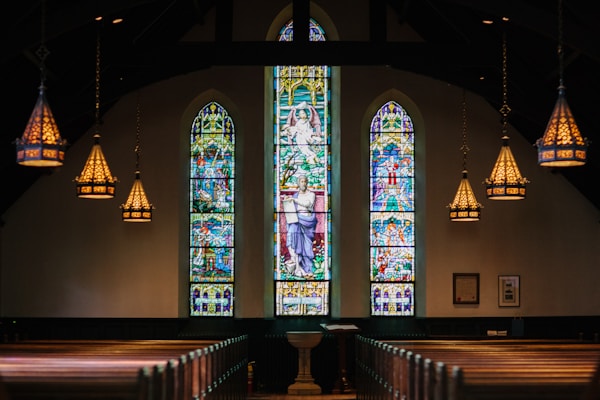


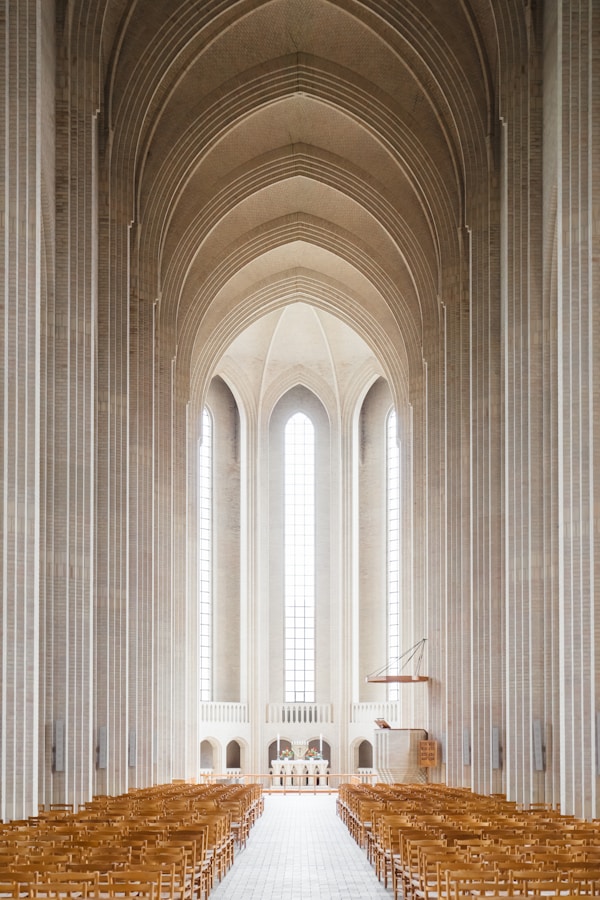
캡션 포함
설명이 필요한 경우 caption을 함께 제공하세요. alt와 caption은 서로 다른 용도: alt는 이미지 자체 묘사, caption은 맥락·메타정보입니다.
tsx
<Gallery items={items.map(i => ({...i, caption: "Unsplash"}))} columns={4} />미리보기
Unsplash
Unsplash
Unsplash
Unsplash
Unsplash
Unsplash
각 이미지에는 alt가 필수입니다. 장식용 이미지라면 빈 문자열 alt=""로 명시해 스크린리더가 건너뛰게 하세요.
Props API
| Prop | Type | Default | Description |
|---|---|---|---|
items | { src, alt, caption? }[] | 이미지 목록. | |
columns | 2 | 3 | 4 | 3 | 데스크톱 기준 컬럼 수. 모바일은 자동 2열로 축소. |